
Hosts & Tokens
Hosts are created under a workspace.
Create Host
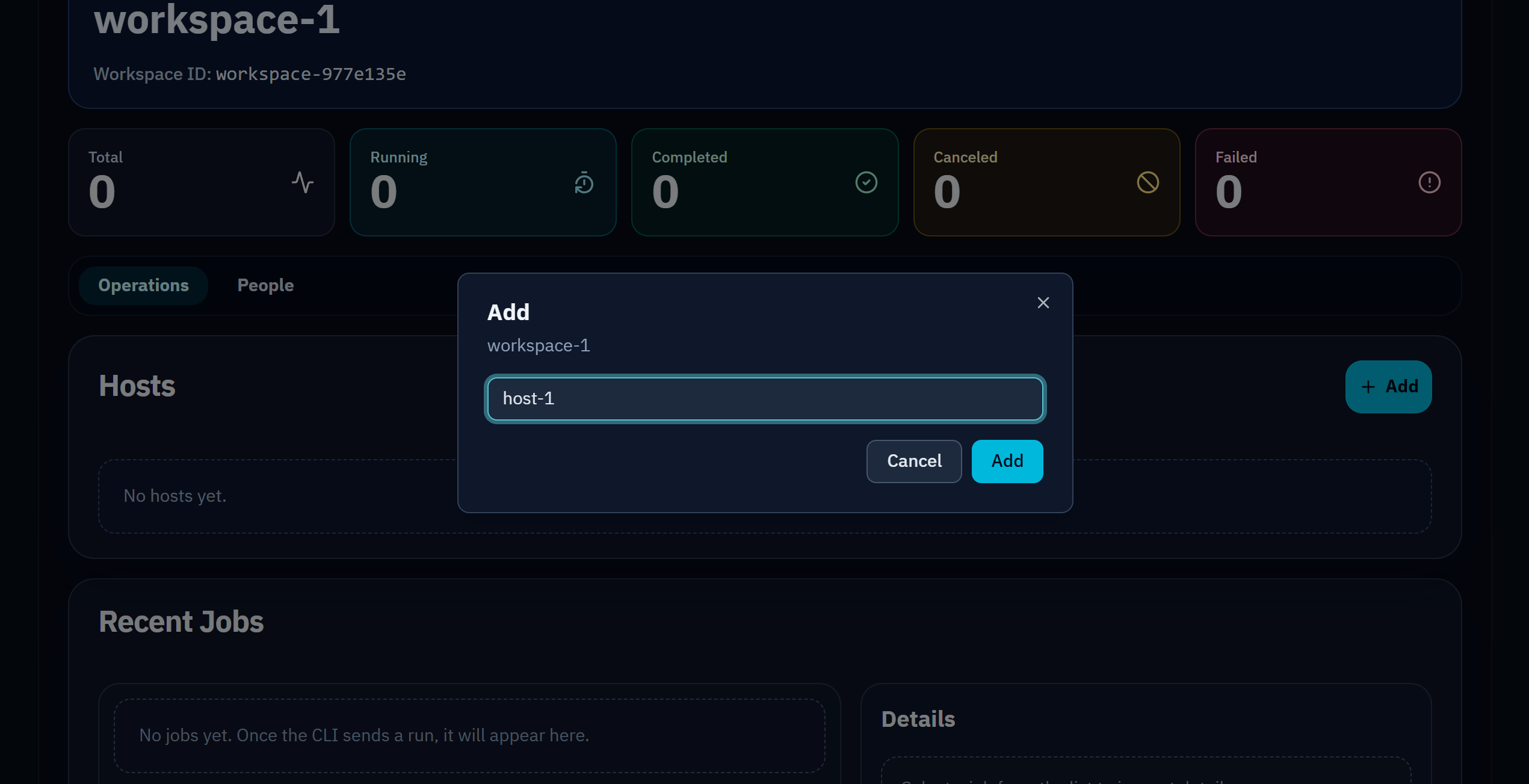
Section titled “Create Host”- Open the target workspace.
- In
Hosts, click+ Add. - Enter host name and create.
Token Issuance Rule
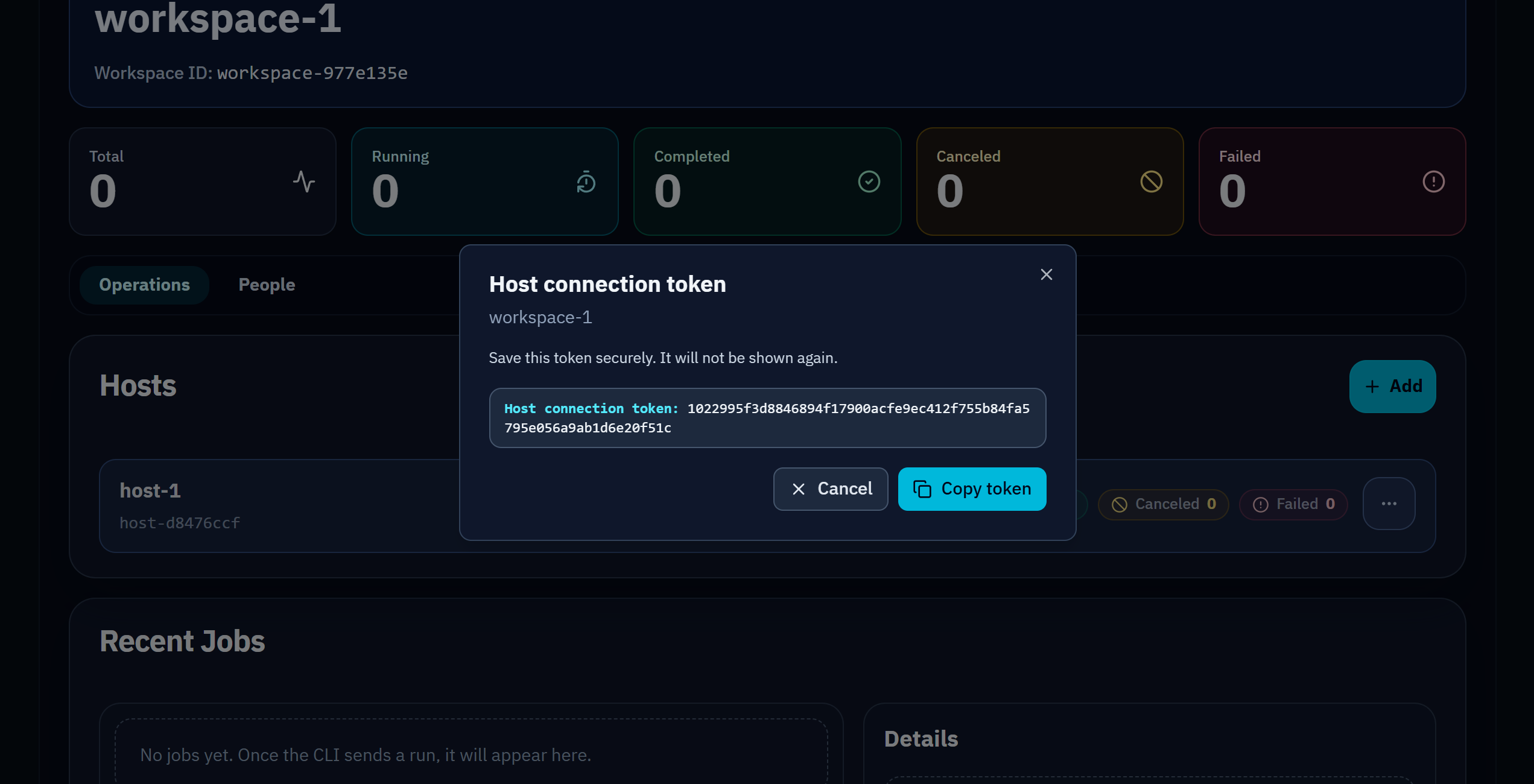
Section titled “Token Issuance Rule”When host creation completes, a host token is shown once.
- Copy immediately.
- Store in secret management or env vars.
- If lost, delete the host and create it again to issue a new token.
Configure CLI
Section titled “Configure CLI”api: host_token: ${OBSERN_HOST_TOKEN} base_url: https://api.obsern.devexport OBSERN_HOST_TOKEN="<issued-token>"